Shopify Payment Options Logo
This guide explains how to manage which payment option logos are displayed on your Shopify store's checkout page.
Configuration Steps
Follow the steps below to configure the payment option logos:
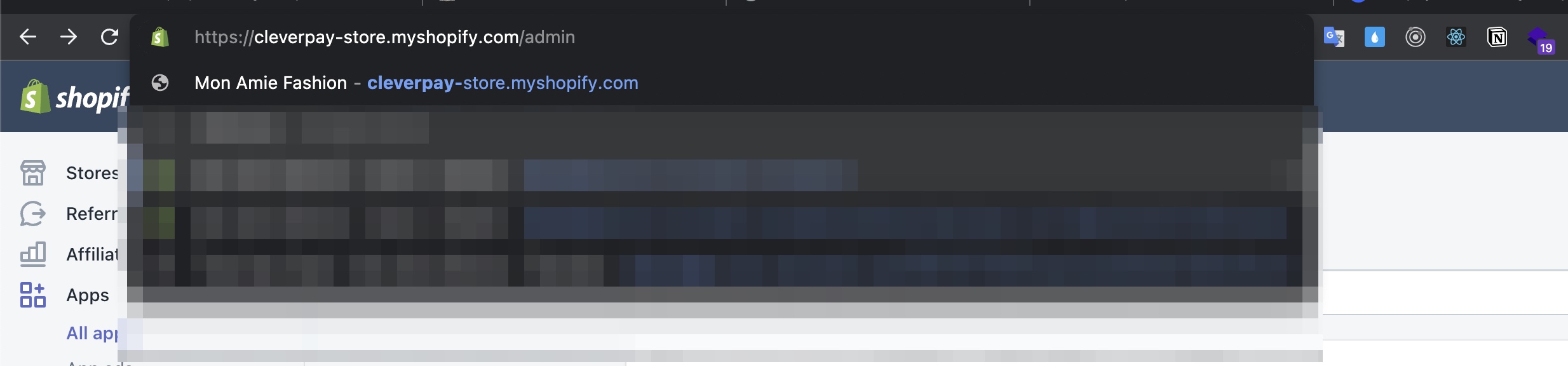
Step 1: Log in to Your Shopify Admin
Log in to your Shopify store as an admin.
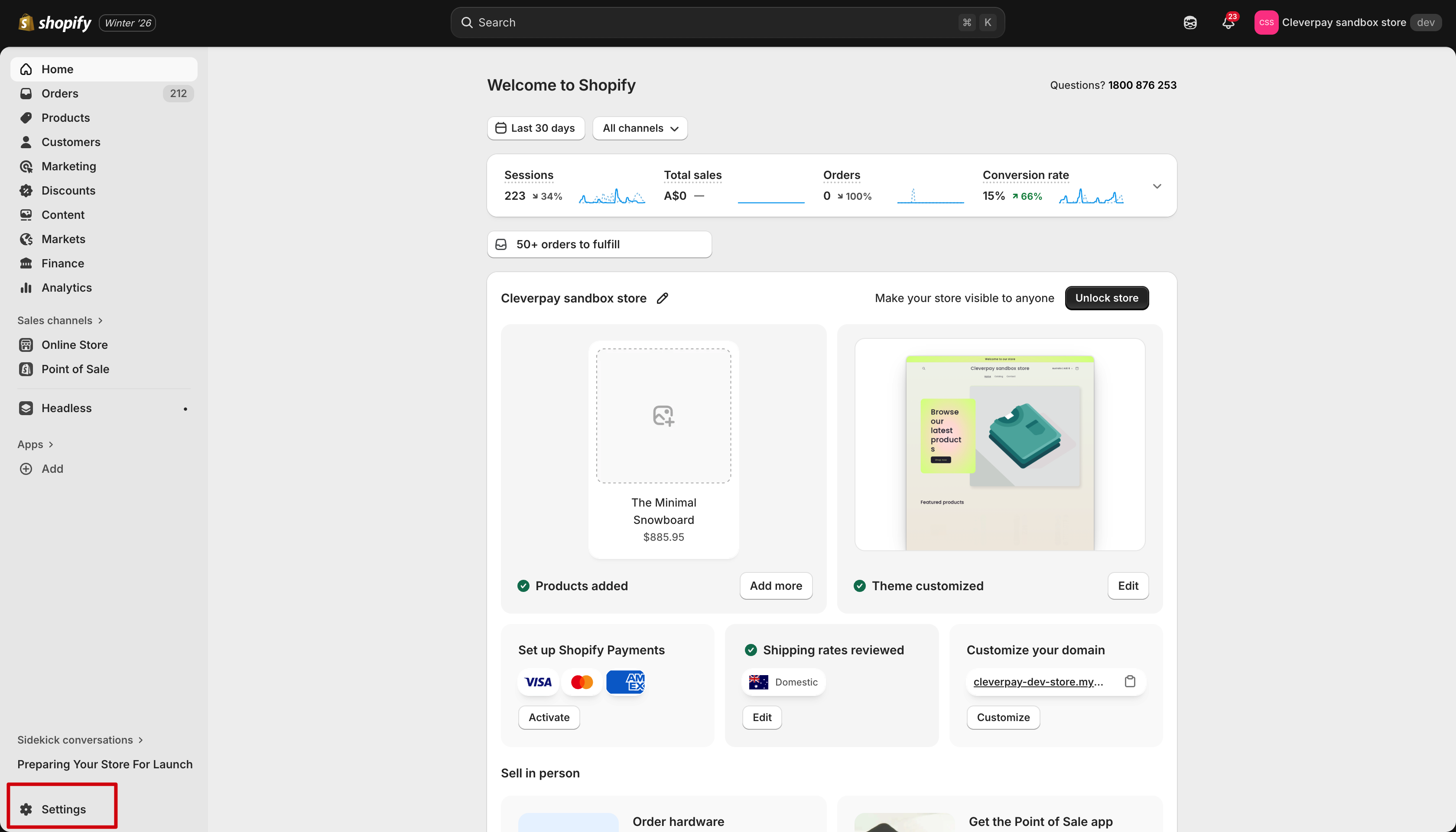
Step 2: Access the Settings Menu
Click on Settings in the bottom left corner of the admin dashboard.
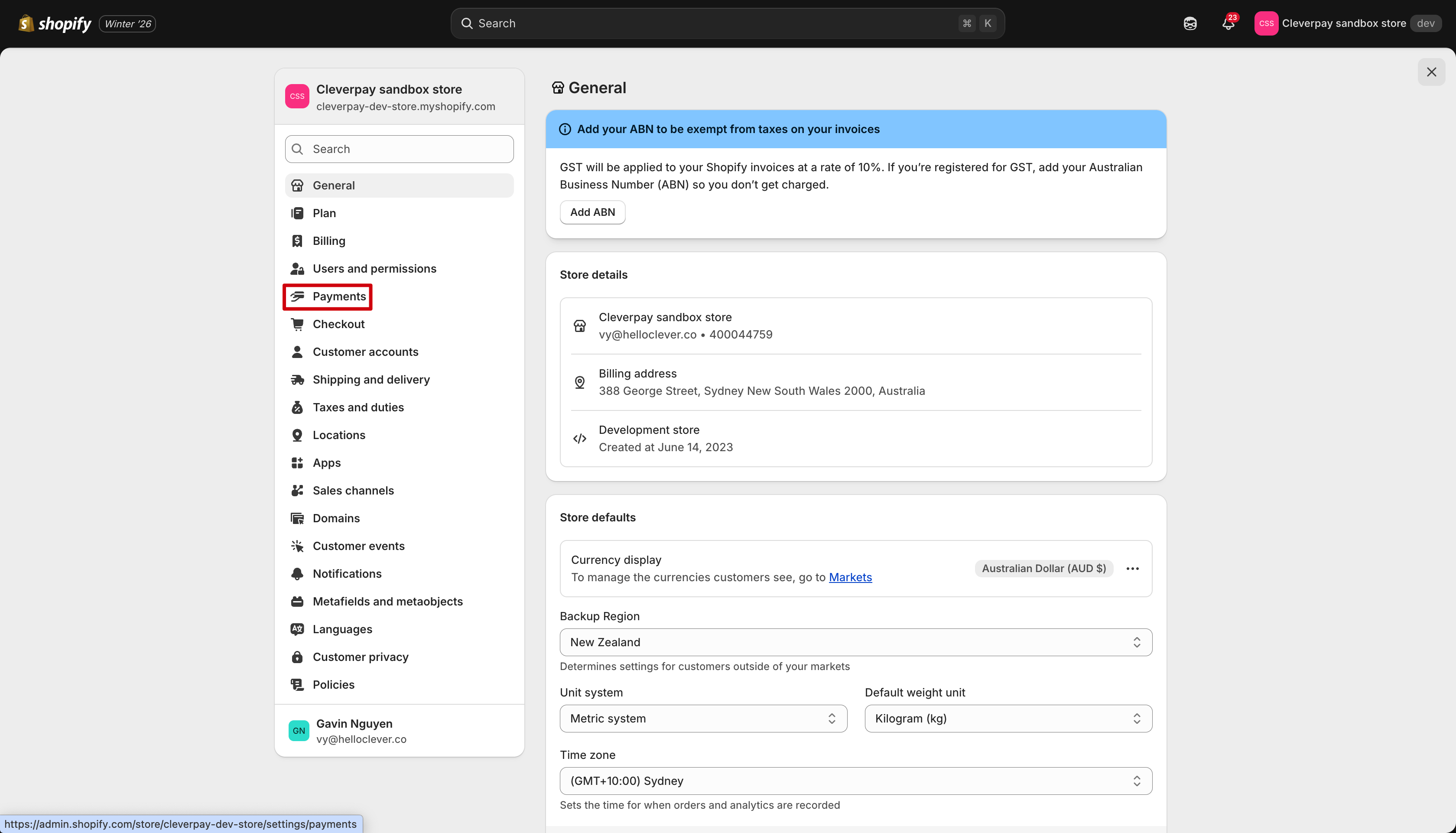
Step 3: Open the Payments Section
In the Settings menu, click on the Payments option.
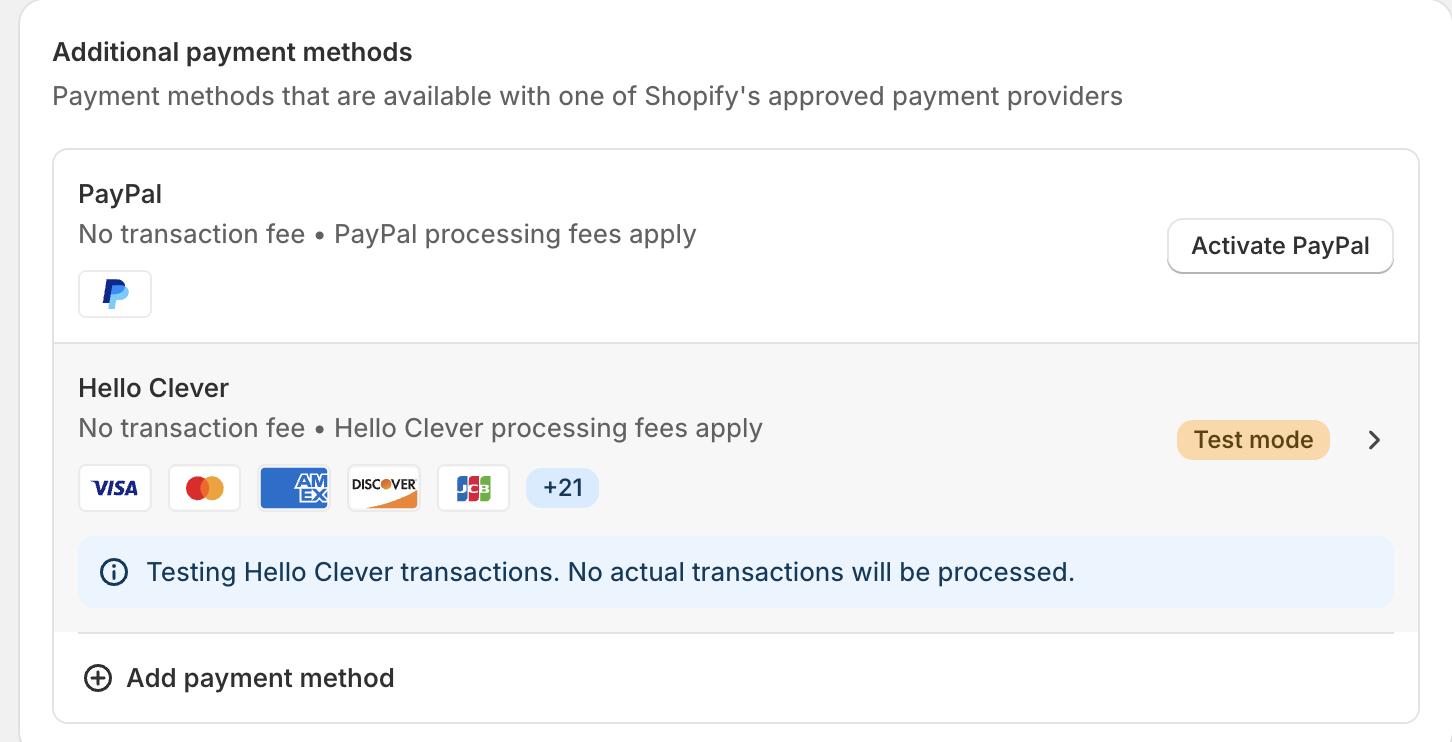
Step 4: Manage Hello Clever Payment Options
-
In the Payments section, click directly on the Hello Clever payment app.
You will be redirected to the Hello Clever configuration page.
-
Select the payment options you want to display to your customers during checkout.
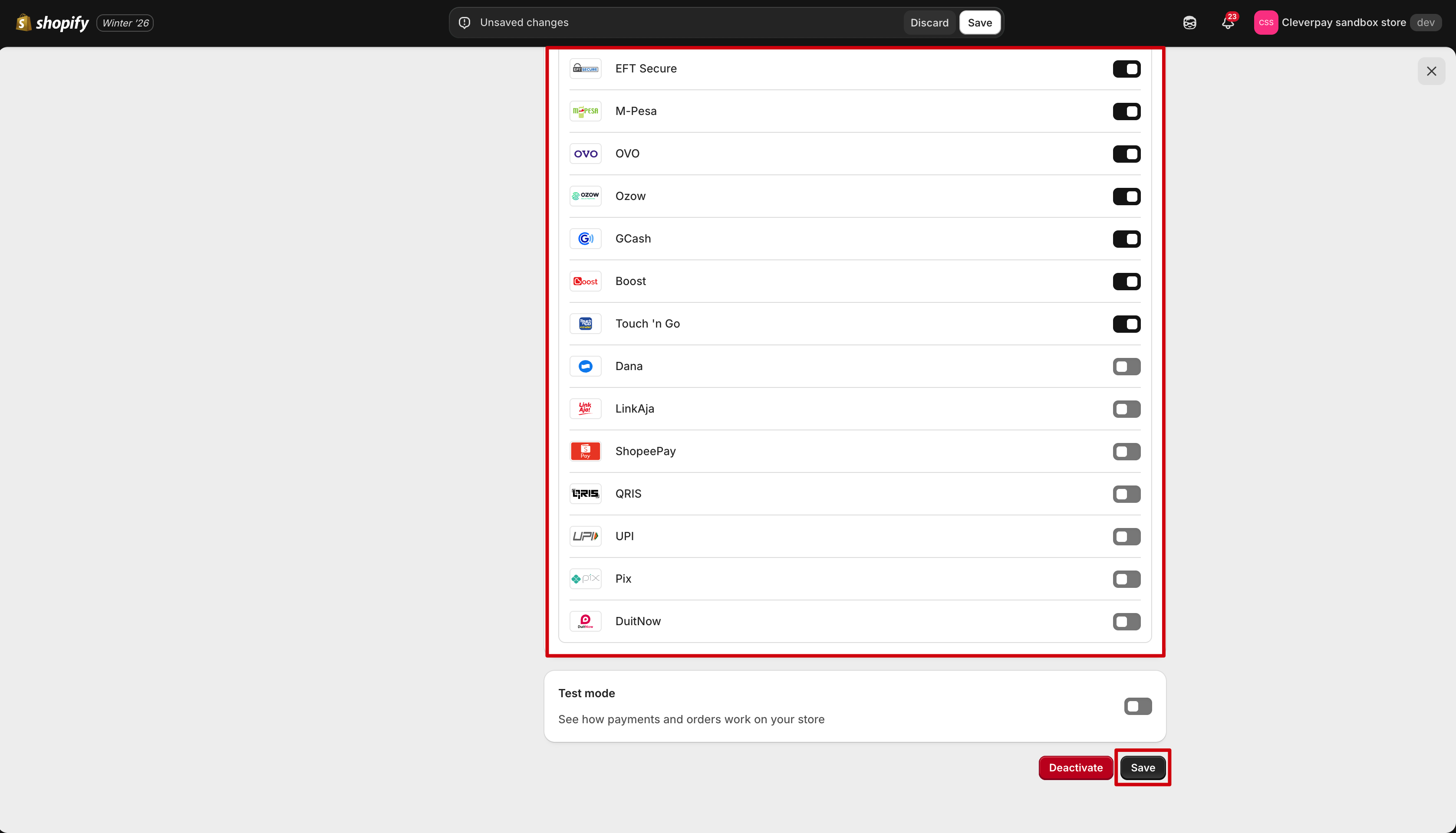
Step 5: Save Changes
Click Save to apply your changes.
Notes
-
You can select up to 3 payment logos to display at checkout. If more payment methods are enabled, only the first 3 logos will be shown.Customers can view the full list of supported payment methods by hovering over the tooltip next to the logos.
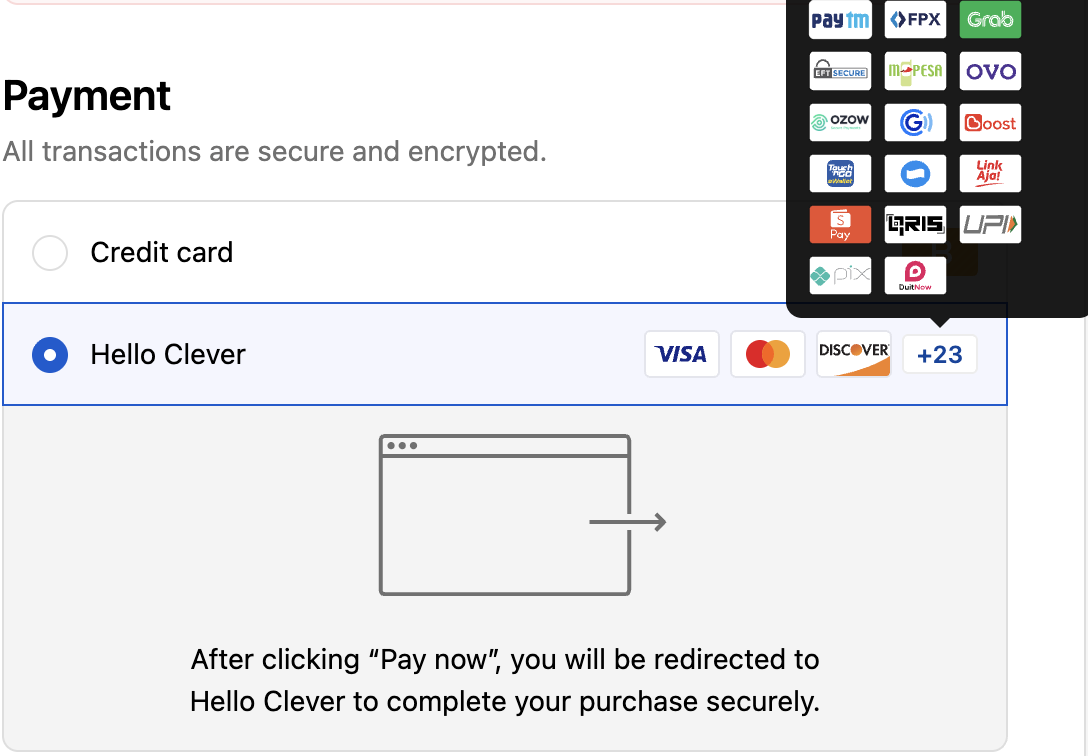
By completing these steps, you will have successfully configured the payment option logos visible to your customers at checkout.